

Discover is the central place where guests find upcoming events on Crowdstack. It shows a live feed of published events sorted by relevance, date and social connections.
Guests use Discover to:
- See what is happening tonight, this weekend and later.
- Find events where their friends are going.
- Browse by city, category or search term.
- View event details, capacity and guest list status.
How events appear in Discover
Your event appears in Discover automatically once you publish it. You do not need to submit it for approval or pay to be listed.
Automatic inclusion
When you publish an event, it immediately becomes visible in Discover to guests who:
- Search for your event name or venue.
- Filter by your city or event category.
- Have you or your venue in their interest graph.
Social ranking
Events rank higher in a guest's personal Discover feed when:
- Their friends have registered or marked themselves as going.
- They have attended previous events at the same venue or by the same organiser.
- The event has strong recent registration activity.
The feed shows lines such as "3 friends going" or "Only 5 spots left" to encourage registration.
Featured events
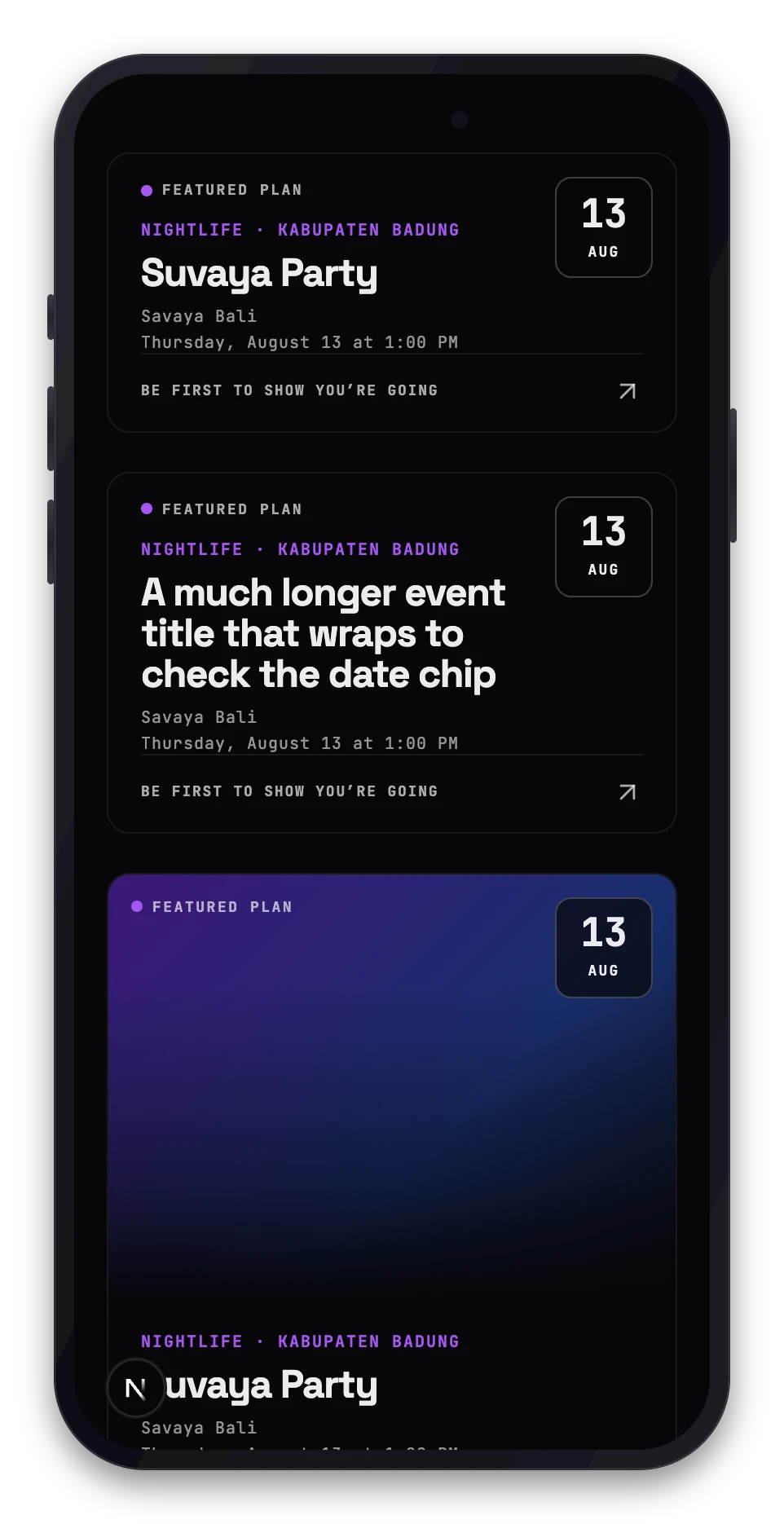
Crowdstack may select certain events to appear in the top carousel slot. These featured events rotate and are marked with a distinct visual treatment. Being featured is not required for an event to be discovered.
Event status and visibility
An event's status affects how it appears:
- Live: Shows "Live now" and stays near the top of the feed during its run time.
- Upcoming: Appears in Tonight, Weekend or Later buckets based on its start date.
- Full: If capacity is set and reached, the card shows "Guest list full".
- External ticketing: If you disabled the Crowdstack guest list, the card shows "Tickets via organiser".
Control your presence
You cannot manually reorder Discover or pay for placement. To improve visibility:
- Publish early so guests can see and share the event.
- Invite promoters and guests to register, which increases social signals.
- Set an accurate capacity if you want scarcity messages to appear.
- Add clear artwork, category and city data so filters work correctly.
Guests control their own privacy settings. If a guest hides their attendance, they will not appear in friend counts, but the event itself remains visible.